This tool allows us to integrate all the administrative management of Colegio Santa María in a single web platform.
For parents, Phidias is the perfect tool to consult grades, homework, evaluations and to continuously monitor the integral formation of each child. In addition, it allows you to communicate directly with the teacher in charge and report any news without having to go to school. This and an infinity of options gives us Phidias to provide the best quality service.
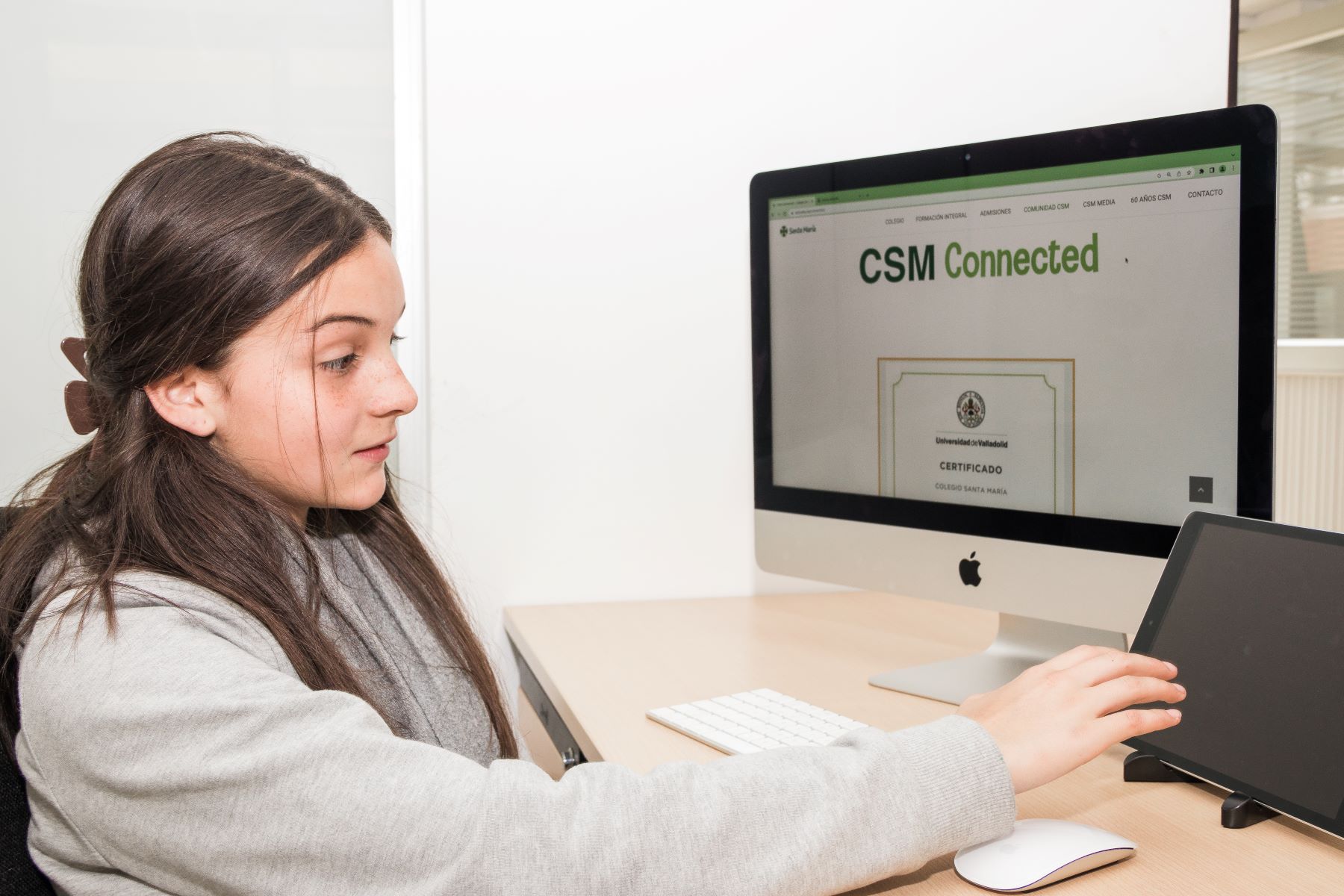
Es un ecosistema digital de la comunidad CSM que permite proporcionar un espacio de enseñanza y aprendizaje alternativo, funcional y efectivo con el fin de desarrollar actividades de forma virtual, que permitan la continuidad de la programación académica del CSM en casos de situaciones imprevistas o de excepción, en las que se dificulte la presencialidad.
CSM CONNECTED permite conectar diferentes medios virtuales y alternativos a lo presencial, con estrategias pedagógicas creativas y ajustadas a esquemas diacrónicos (trabajo independiente, sin estar conectados) y sincrónicos (conectados con sus profesores vía internet). Éste tiene como base la G Suite de Google y como principales componentes las herramientas Classroom y Meet, con las cuales es posible llevar a cabo la sincronización entre virtualidad y presencialidad.
A raíz de situaciones excepcionales de orden público o debido a incapacidades de nuestras alumnas por temas médicos, las cuales impidieron su asistencia al colegio, en el año 2019 se inició con este proyecto buscando la continuidad y estabilidad del currículo.
Después de un análisis detallado y de revisar las variables, pros y contras, y todos los escenarios y aplicaciones disponibles para llevarlo a cabo, se llegó a la conclusión de que el recurso tecnológico del CSM podría ser un aliado estratégico, no solamente para fortalecer las dinámicas académicas presenciales, sino también, para crear un plan de contingencia efectivo ante situaciones imprevistas que limitaran o afectaran la asistencia de las estudiantes.
Los docentes hacen la planeación de las clases teniendo en cuenta los objetivos y metas de la educación presencial, adaptándolas a un ambiente de aprendizaje virtual en donde el tiempo, el espacio y el método deben ajustarse.
Se comunican por videoconferencia con las estudiantes a través de la herramienta Meet; toman asistencia, la cual es obligatoria, y dan las instrucciones correspondientes junto con los acuerdos de clase.
Las estudiantes se conectan mediante su correo electrónico a su aula virtual y esperan las indicaciones por videoconferencia, chat y classroom, para iniciar sus clases y recibir el material de trabajo.
El docente acompaña el proceso pedagógico por chat, video y correo electrónico, y hace las respectivas intervenciones de acuerdo con las necesidades académicas.
Finalmente se hace el cierre de clase y las entregas de actividades que serán retroalimentadas en la siguiente sesión.
The following infographic shows the aspects and processes of the virtual activities on Classroom.
The Coexistence Manual is our guide:
Si utiliza la cámara y el audio abierto, tenga en cuenta que:
Tenga en cuenta que al ser un encuentro virtual debe compartir quién será el responsable de dirigir y asignar el orden de participación.
Programar las citas con anterioridad. (no en el mismo día)
Para las reuniones individuales con estudiantes, deben estar presentes por lo menos dos personas del colegio (profesor, Director de grupo, Director de Ciclo, LDT o secretaria) y la estudiante acompañada por un padre de familia o un adulto responsable autorizado por los padres. Una vez finalizada la reunión, se debe enviar el acta para ser aprobada por todos los asistentes.
Para las reuniones programadas con padres, se debe hacer acta la cual debe ser enviada por correo para ser aprobada por todos los asistentes.
Si una estudiante solicita una reunión virtual individual, invítale a hacer la comunicación a través del correo institucional.
Sea precavido con la información que comparte en casa mientras está en reuniones virtuales, en lo posible utilice audífonos para cerciorarse que esta información sólo sea escuchada por usted o establezca un lugar privado mientras habla y comparte esta información de las estudiantes, padres de familia, profesores o comunidad en general.
Establecer las normas y acuerdos para horarios y asistencia.
Acordar la manera cómo se llevarán a cabo recuperaciones y evaluaciones. Es una buena oportunidad para hacer evidentes los valores del colegio.
Utilizar Classroom para envío de tareas y retroalimentación con el fin de unificar criterios e instrucciones.
No tomar foto de pantalla.
This tool allows us to integrate all the administrative management of Colegio Santa María in a single web platform.
For parents, Phidias is the perfect tool to consult grades, homework, evaluations and to continuously monitor the integral formation of each child. In addition, it allows you to communicate directly with the teacher in charge and report any news without having to go to school. This and an infinity of options gives us Phidias to provide the best quality service.
It is a digital ecosystem of the CSM community that provides an alternative, functional and effective space for teaching and learning in order to develop activities virtually, allowing the continuity of the CSM academic program in cases of unforeseen or exceptional situations, in which it is difficult to be present in person.
CSM CONNECTED makes it possible to connect different virtual and alternative means to the face-to-face, with creative pedagogical strategies adjusted to diachronic (independent work, without being connected) and synchronous (connected to their teachers via the Internet) schemes. It is based on Google's G Suite and its main components are the Classroom and Meet tools, with which it is possible to synchronize virtual and face-to-face learning.
As a result of exceptional situations of public order or due to medical incapacities of our students, which prevented them from attending school, this project began in 2019, seeking continuity and stability of the curriculum.
After a detailed analysis and review of the variables, pros and cons, and all the scenarios and applications available to carry it out, it was concluded that the technological resource of the CSM could be a strategic ally, not only to strengthen the face-to-face academic dynamics, but also to create an effective contingency plan for unforeseen situations that would limit or affect the attendance of the students.
Teachers plan classes taking into account the objectives and goals of face-to-face education, adapting them to a virtual learning environment where time, space and method must be adjusted.
They communicate by videoconference with the students through the Meet tool; they take attendance, which is mandatory, and give the corresponding instructions along with the class agreements.
Students connect via e-mail to their virtual classroom and wait for instructions via videoconference, chat and classroom to start their classes and receive the work material.
The teacher accompanies the pedagogical process by chat, video and e-mail, and makes the respective interventions according to the academic needs.
Finally, the class is closed and the activities are handed in for feedback in the following session.
The following infographic shows the aspects and processes of the virtual activities on Classroom.
Communication guidelines for CSM Connected
The Coexistence Manual is our guide:
1. If you use the camera and open audio, please note that:
Please note that since this is a virtual meeting, you must share who will be responsible for directing and assigning the order of participation.
Schedule appointments in advance (not on the same day).
3. For individual meetings with students, at least two people from the school must be present (teacher, Group Director, Cycle Director, LDT or secretary) and the student accompanied by a parent or responsible adult authorized by the parents. Once the meeting is over, the minutes must be sent to be approved by all attendees.
4. For scheduled meetings with parents, minutes must be taken and mailed for approval by all attendees.
5. If a student requests an individual virtual meeting, invite her to make the communication through institutional mail.
6. Be cautious with the information you share at home while in virtual meetings, if possible use headphones to make sure this information is only heard by you or set up a private place while talking and sharing this information from students, parents, teachers or community in general.
7.Establish rules and agreements for schedules and attendance.
8. Agree on how make-ups and evaluations will be conducted. This is a good opportunity to make school values evident.
9. Use Classroom for sending assignments and feedback in order to unify criteria and instructions.
10. Do not take screenshots.
For girls:
A cloud-based solution, developed with neurofeedback, created to go from knowledge to skills.
Progrentis is a cloud-based platform that meets the learning practices of 21st century educational innovation models. It uses adaptive learning, collaboration and gamification to develop Creative Thinking.
With Progrentis we contribute to the development of students with 21st century skills:

